Pixel 9 No Notification Sounds

Just switched over from a Pixel 6a to 9 Pro and was not getting any sounds for notifications, just vibrations on my Pixel watch. Turned out the “Mute notification on phone” setting in the watch app was turned on. Not certain, but I think this must be the 9 Pro default setting and my setting from the 6a didn’t transfer to the 9 Pro.

Hat tip to this post which gave me the solution.

Pixel Watch Icon Reference

Quick Settings Icons

Google Home
Open the Google home automation app
Touch Lock
Tap to disable the touch screen.
Long-press (2 seconds) the Watch Crown to re-enable the touch screen.
Flashlight
Open the flashlight app.
Wallet
Open the Google wallet payments app.
Airplane Mode
Turns off all radios on your watch: Bluetooth, Wi-Fi, LTE, GPS/GNSS. You can turn each of these on independently.
Find My Phone
Tap and wait for your phone to ring.
Brightness
Open the brightness settings app.
Bedtime Mode
Start bedtime mode.
Theater Mode
Turn off your screen and suppress notifications and incoming calls temporarily.
Battery Icon
Battery Saver Mode
Start battery saver mode.
Press and hold to open the battery settings app.
Settings
Open the settings app.
Not Silenced Icon
Ring & Notifications On
Tap to turn off.
Press and hold to open the sound settings app.
Phone Connected Icon
Connected to phone
WiFi Connected Icon
Connected to WiFi

Watch Face Status Icons

Battery Saver Icon
Battery saver mode is on.

While constructing this chart my Pixel Watch (V1) screenshot feature stopped working. When screenshots work again I’ll add more icons.

Google Does Not Make It Easy to Help Them

I noticed that the Google infobox from a search for a local town contained photos of sites in neighboring towns. So I sent them feedback to help them improve their service. But the feedback system changed my comment to be about one of the nature preserves in another town rather than feedback on the infobox itself. Almost certainly that means they’ll keep showing people pictures of things they WILL NOT FIND in the town they searched for.

Generally I find Google search gives me the better search results than any other general search engine but there’s always room for improvement.

Newest Bugs in Office 365 Outlook Web

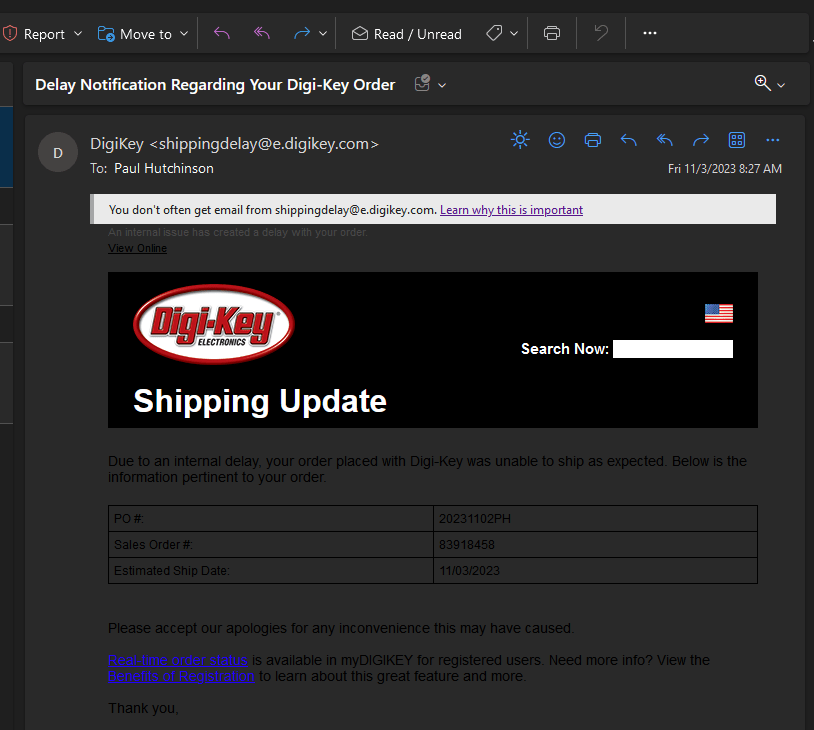
They make important emails completely unreadable with no obvious way to make it readable.

The solution was to click the print icon and read the email in the print preview window.

They also made the web app unusable at a normal window width.

This is why Office products in particular and Microsoft products in general are never my first choice or recommendation. Google’s cloud products have far fewer incidents like this for me. However I’m pretty much stuck using Office 365 to communicate with others at work.

Office 365, Windows, and the WordPress editor are the biggest aggravations I have left with computing. I’m actively working on ditching all of those products permanently in the next year and a half.

Hugo Menus Sort Order

I’ve been working on porting my ancient main website to Hugo on and off for almost a year. The reason my site hasn’t had a major update in over 20 years is the difficulty in creating site menus.

The original site was designed with a full custom theme in FrontPage with its great drag and drop GUI menu builder. In 20 years I have never found any other tool that makes menu creation so easy. I’d heard the very expensive Macromedia (now Adobe) Dreamweaver has something but I’ve never been able to try it out, and frankly won’t spend that kind of money on a personal website.

Every year I’d search for something with an easy to use menu builder but I’ve never found anything. So I finally gave up and settled for the Hugo static site builder system. It sucks having to create the menu system in plain text but I had to give in.

One thing that has bugged me is that nowhere could I find a definitive explanation of how the menu system sorts entries. Today I persisted in searching and was able to piece together an answer and come up with a methodology that works for me.

Here’s a list of the important points

  • Order within the menu configuration text is ignored because Hugo menus can be defined in front matter or in two different ways in the site configuration. This makes it difficult to near impossible to allow a code position sort order.
  • The default sort is ascending by weight then alphabetical by name within a menu level

Most of the time I want my menus sorted by name with only one item forced to a specific position, so I’ve come up with this strategy.

  • Manually sort the parent and child menu entries in the order you want them to display as a visual reference.
  • Assign a weight to each top level (parent) item starting with 10 and incrementing by 10 for each parent level
  • Assign the same weight as the parent to each sub level (child) item
  • When rendered, if the order is different compared to the desired order, adjust the weight of the menu items to compensate.

Fingers Crossed

I just got an Android system update notification on my Pixel 6A.

Did Google fix the very bad battery drain problem they created a couple weeks ago?

The answer is …

Update 3 hours later, SUCCESS!

My battery drain is back to the low rate I had before the bad update.

NHTSA Considers Security

It’s good to see that the NHTSA and Automakers are going to workaround the ridiculous wireless access requirement in the Right To Repair law that I advocated and voted against. There is NO truly secure remote access, and the control systems of a modern car are far to dangerous to risk it so that auto techs can save a few seconds by not plugging in a communications cable..

Check out the article from Ars Technica